Keyboard Cleaning Lock
Wipe every key without typing a thing.
Blocks typing and clicking
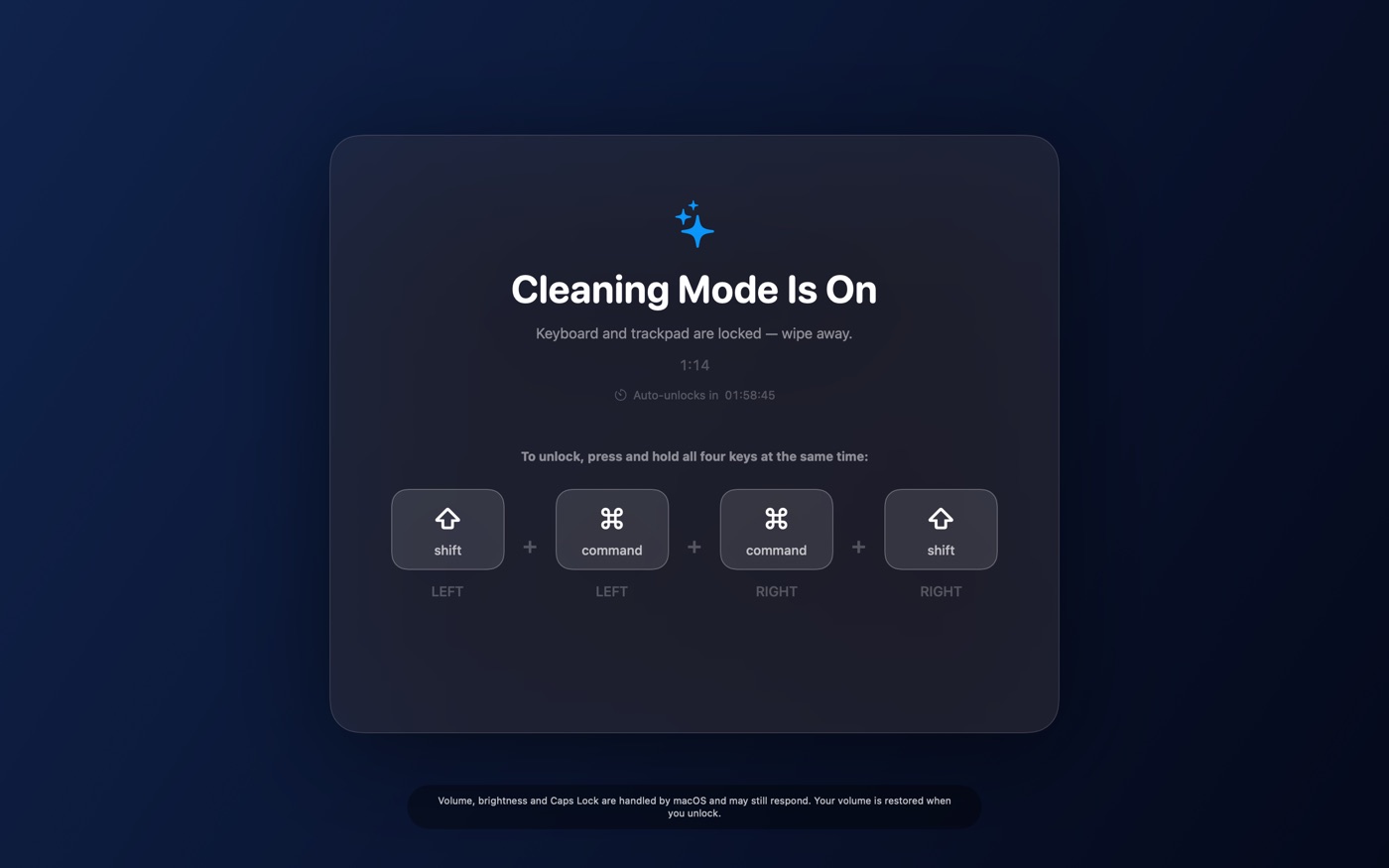
Every key, shortcut, click and trackpad gesture is swallowed while cleaning mode is on, so nothing you wipe reaches your work. Volume, brightness and Caps Lock are handled by macOS itself and stay live — the app says so on screen, and puts your volume back when you unlock.
A combination you can't hit by accident
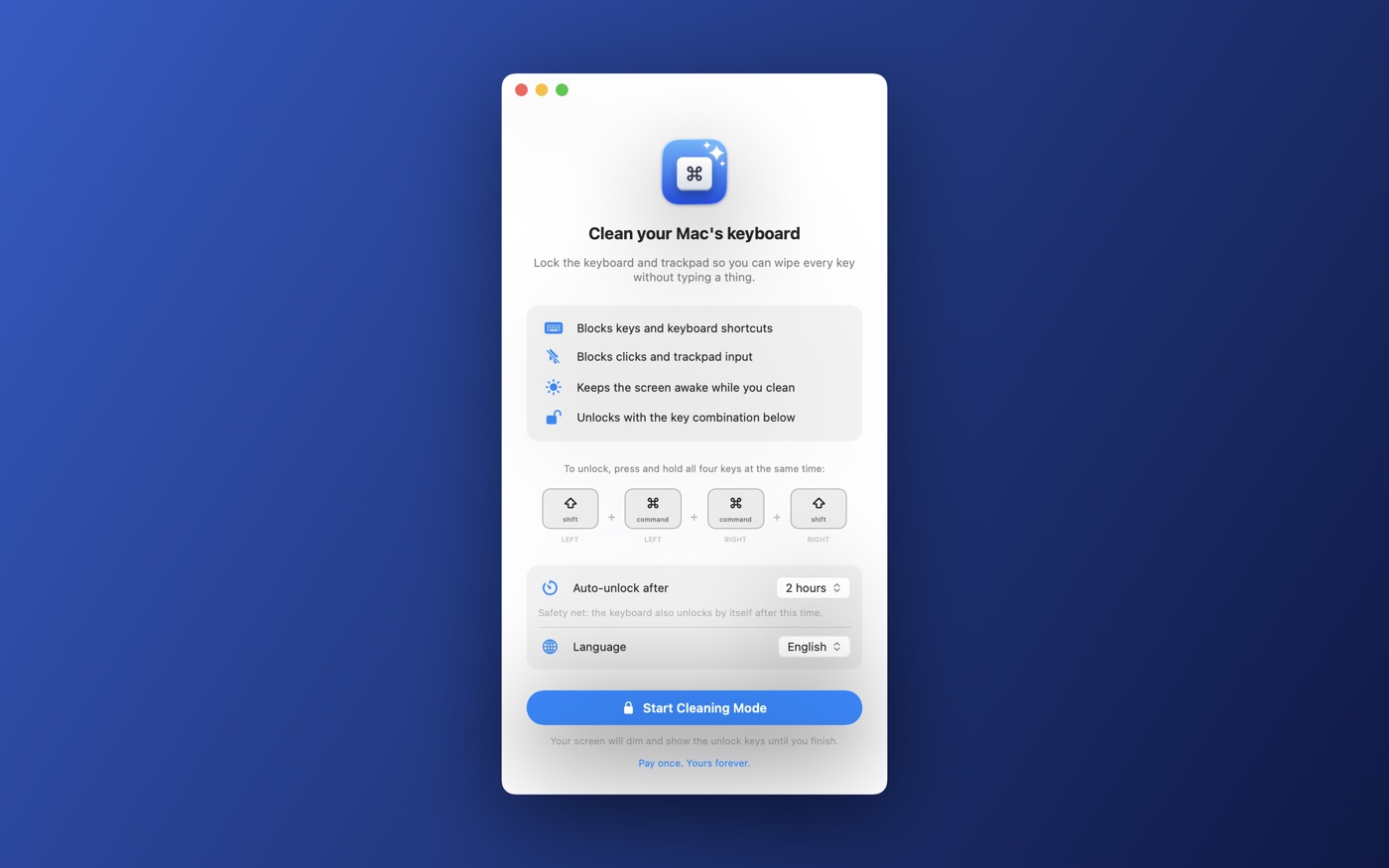
Hold left Shift, left Command, right Command and right Shift together for one second. It's shown on screen the whole time, and each key lights up as it's detected.
Always a way out
The lock also releases itself after a time you pick — anywhere from 1 minute to 7 days — with the countdown visible on screen. Nobody gets stuck.
Your screen dims, it doesn't disappear
The desktop stays visible behind a dim overlay, so you can see the dust you're wiping and keep an eye on what's running.
Media keys handled too
Playback keys are captured while locked, so wiping the top row won't start your music — and your volume is restored when you unlock.
23 languages
Switch language right inside the app, without restarting. Right-to-left layouts included.