Exhume
Every text has a shape. Exhume finds it.
It reads prose, not only programs
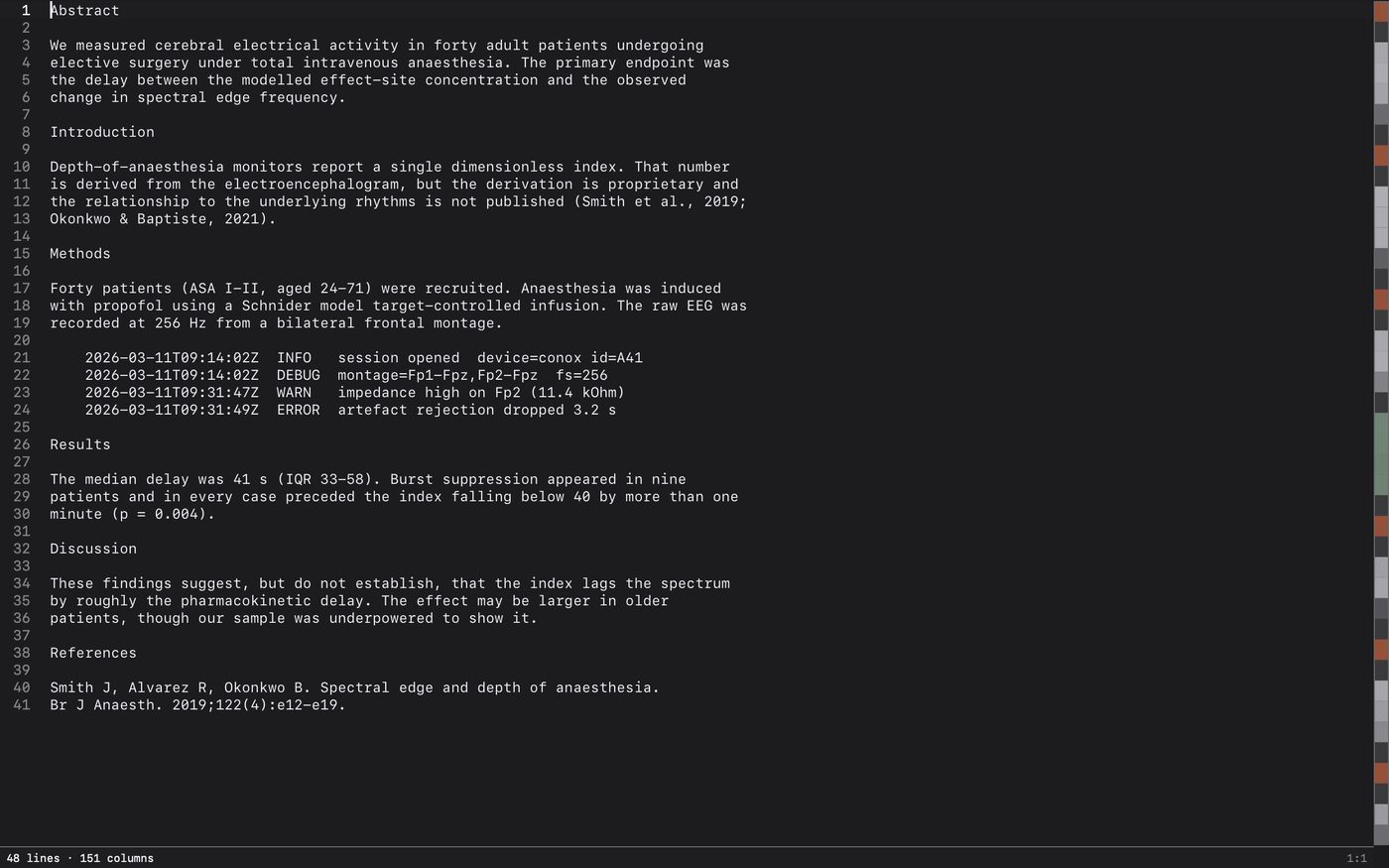
Open an HTML file in any editor and it colours itself. Open a server log, a CSV, a manuscript or a file with no extension and you get a grey wall — not because those texts have no structure, but because nobody looked for it. Exhume looks: a structure ribbon down the right edge, and a symbol list that finds the sections of a manuscript, not just the functions of a program.
A real editor first
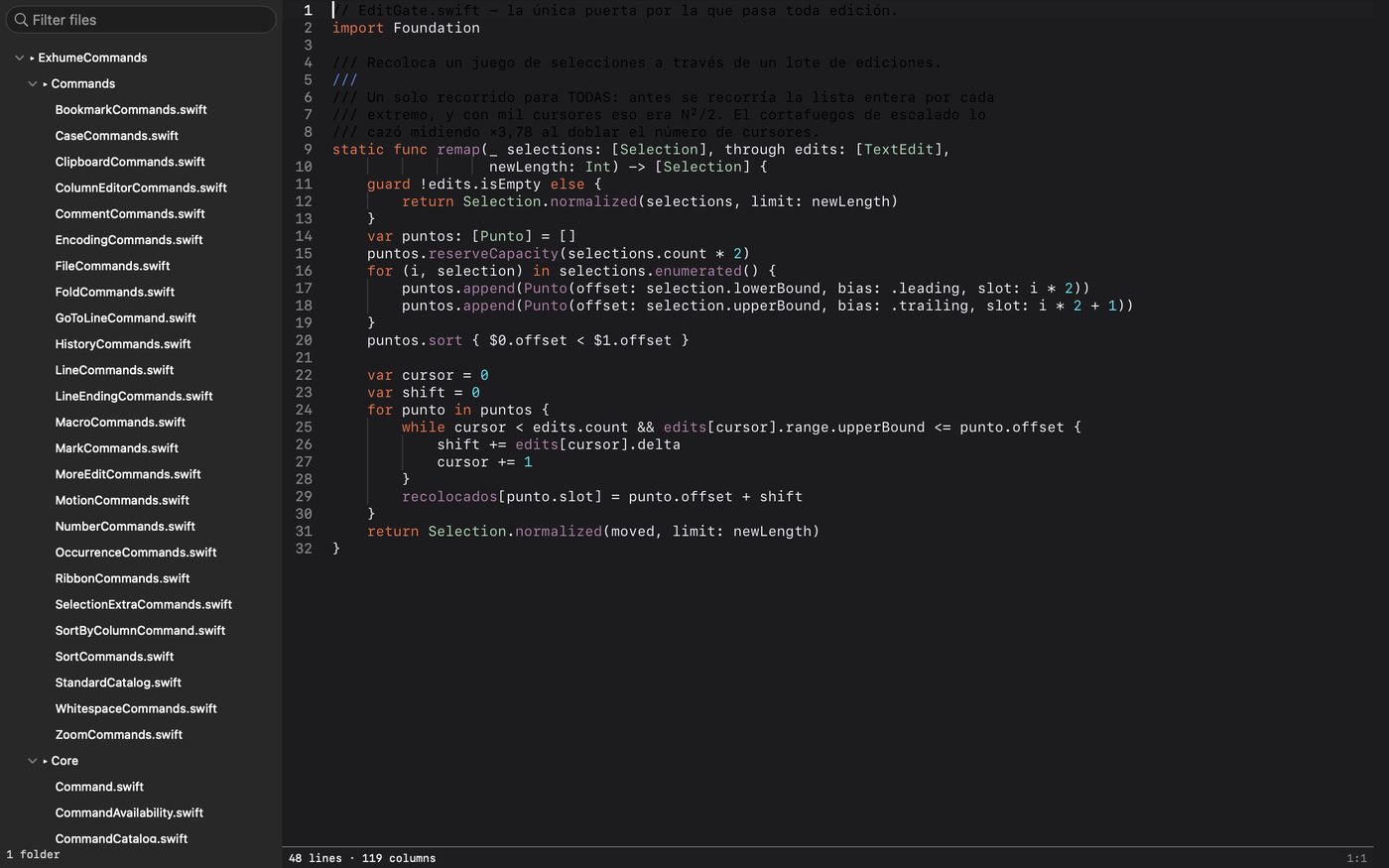
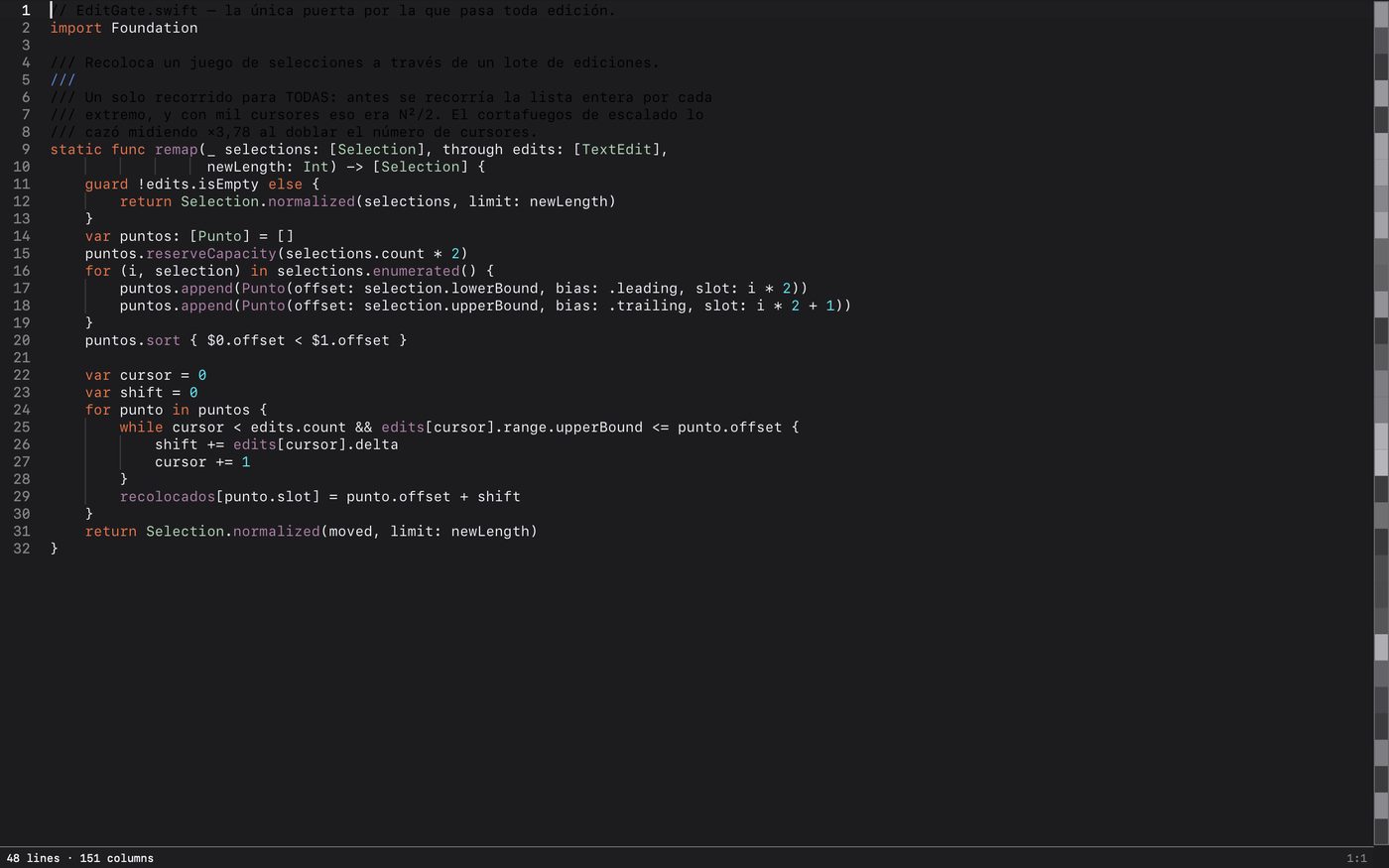
173 commands. Syntax highlighting, multiple cursors, column selection with a column editor, find and replace with regular expressions, folding by indentation and by document structure, and nine ways to sort — including by a column you select, counting tabs, so a table sorts by the field you meant.
Every command, five ways
Palette, menu, toolbar, keyboard shortcut and macro all reach the same command, because they are the same thing. The shortcut mapper is searchable by keys: type “cmd shift” and there they are. Macros are an editable list of steps, not an opaque recording.
The same editor on iPhone and iPad
Not a viewer. The same engine draws and edits on the touch screen, with the same 173 commands in the palette and a key bar above the keyboard for the keys a software keyboard doesn’t have.
It tells you what it turned off
A large-file policy per document that names in the status bar what it disabled, instead of quietly doing less — so a big log never looks like an unsupported language. Unsaved work survives a crash and comes back in a new window, without overwriting your file.
Nothing about you leaves your device
No analytics, no crash reports, no account, no licence server. There is not one line in this app that opens a connection, and a guard in the build checks that across all 500-odd source files on every commit. The only network traffic Exhume can cause is Apple’s own purchase check — and Apple makes that call, not us.